
Once You Purchase a Plan Credits To Your Account So That You Can Generate Reports
Here's what you should look out for...
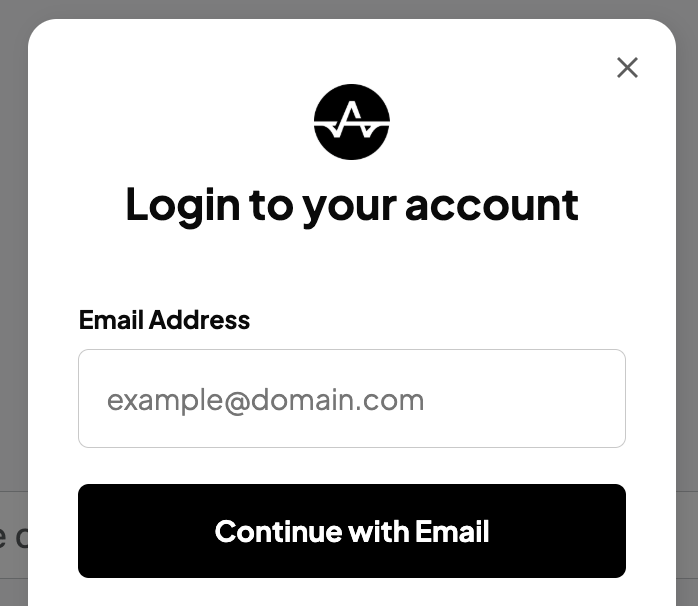
You will shortly receive a welcome email with further instructions and a separate email for the login and password for the members' area where you can generate reports.
STEP 1 - LOG IN TO YOUR ACCOUNT
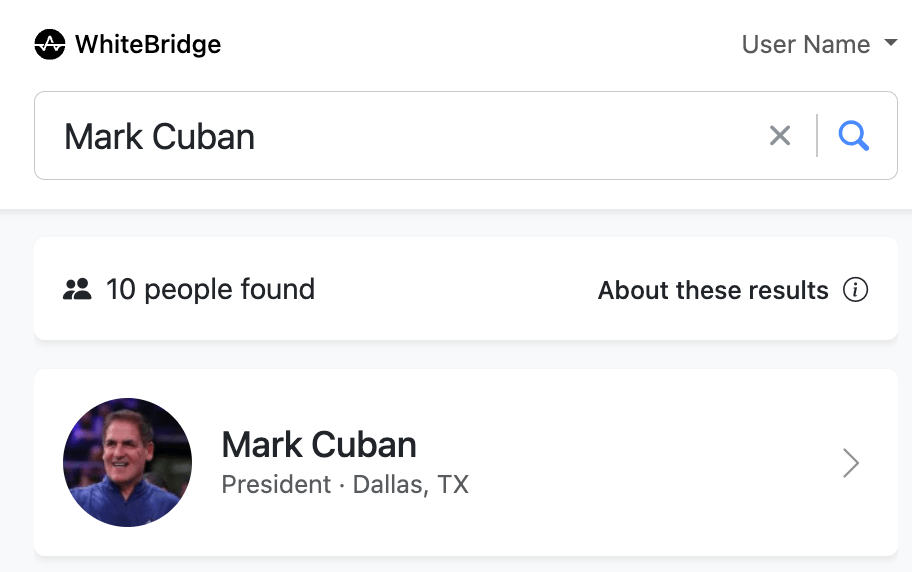
STEP 2 - SEARCH YOUR NAME
Once logged in, you can Search Your Name, email, or use a Social Link
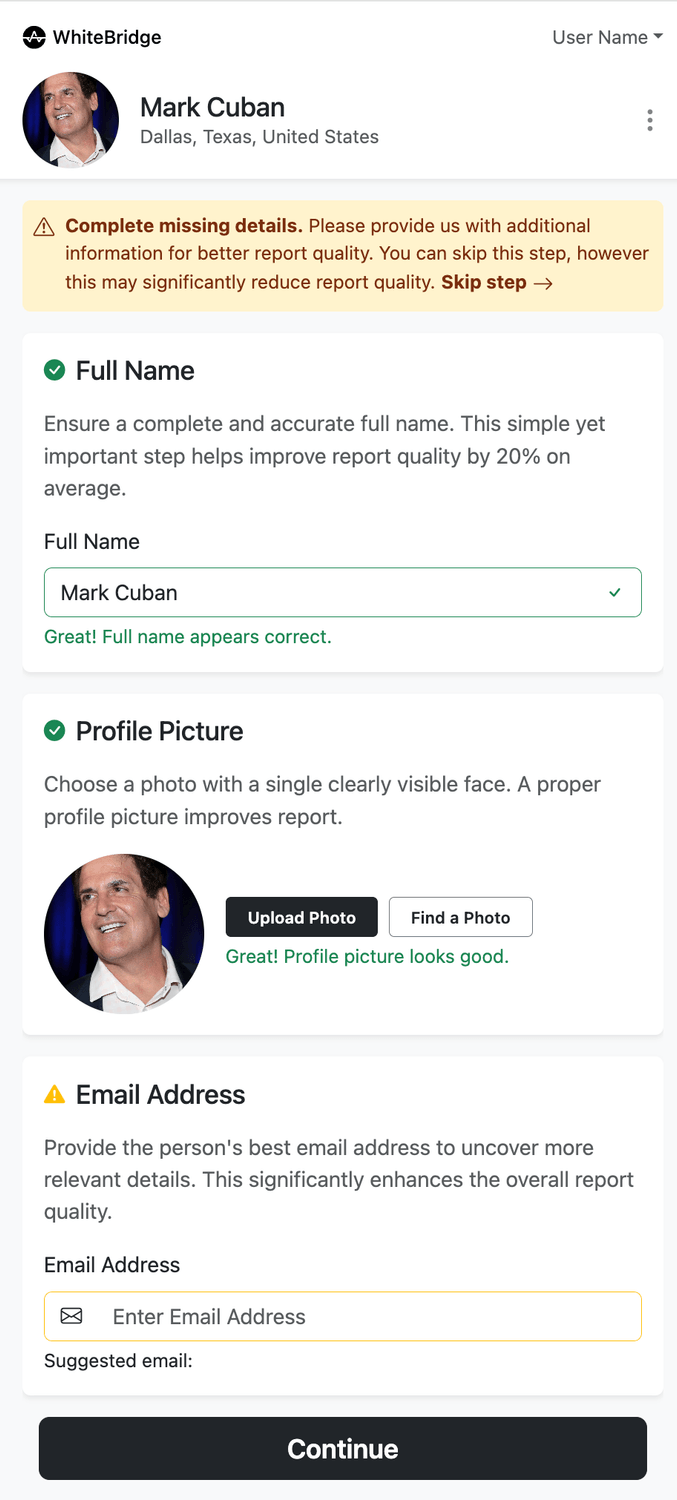
STEP 3 - GENERATE REPORT
Once you've found the right person, click on them to finalise your details and generation.
If for some reason, you have not received the welcome email with login details, please check your spam folder or email us at info@whitebridge.ai
© 2025 WhiteBridge.ai
Contact: support@whitebridge.ai
Privacy policy | Terms & Conditions | Affiliates | Contact Us | Manage Your Billing
By using Whitebridge.ai, you agree to our Terms and have read our Privacy Policy


